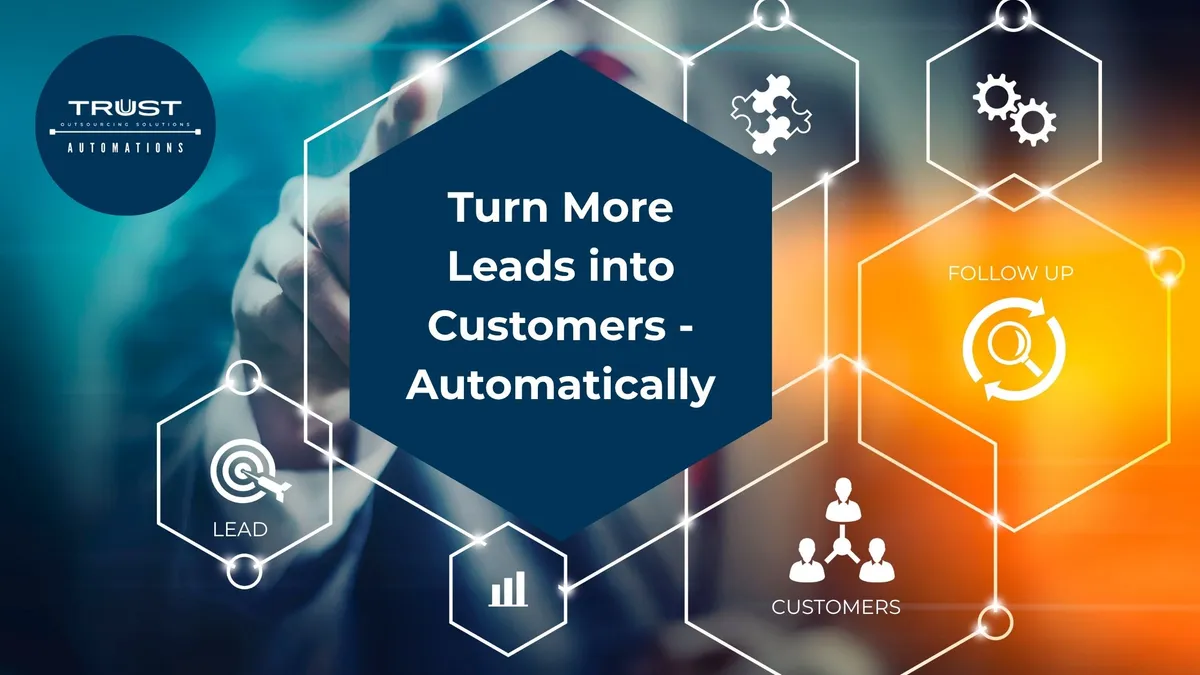
Turn More Leads into Customers - Automatically
Generating leads is only the beginning of the sales process.
The real challenge starts after someone fills out a form, sends an inquiry, responds to an ad, or shows interest in your product or service.
Who follows up?
How quickly do they respond?
What happens if the prospect doesn't reply?
When should the next follow-up be sent?
How does your team know which leads are ready to buy and which ones still need nurturing?
For many businesses, these processes are handled manually. Sales teams spend valuable hours sending emails, making calls, updating CRM records, scheduling appointments, and following up with prospects.
And when the volume of leads increases, it becomes increasingly difficult to keep up.
This is where sales and prospecting automation can make a difference.
Instead of relying entirely on your team to remember every task and follow-up, automation can create a structured customer journey that moves leads from initial interest toward conversion—while allowing your sales team to focus on the conversations that actually require a human touch.
The Hidden Cost of Manual Lead Management
Imagine a potential customer discovers your business through social media.
They click your advertisement, visit your website, and submit a form.
That's a qualified opportunity—but what happens next?
If the lead sits in an inbox for several hours, the prospect may move on to another company. If someone follows up once but forgets to check back later, another opportunity may disappear.
This is one of the biggest challenges with manual lead management: leads can be lost not because they weren't interested, but because the process wasn't consistent.
Manual sales processes can create several problems:
Slow response times
Missed follow-ups
Inconsistent lead nurturing
Repetitive administrative work
Disorganized customer data
Difficulty tracking the sales pipeline
Sales teams spending less time actually selling
Automation doesn't eliminate the need for salespeople. Instead, it helps remove unnecessary friction from the sales process.
What Is Sales & Prospecting Automation?
Sales and prospecting automation uses technology, workflows, CRM systems, and AI-powered tools to automate repetitive activities throughout the sales funnel.
Rather than treating every lead as a completely manual process, businesses can create workflows based on specific actions and conditions.
For example:
A prospect submits a form → the lead is captured in the CRM → an automated response is sent → the lead is qualified → a follow-up sequence begins → an appointment is scheduled → the sales team receives a notification → the opportunity moves through the pipeline.
The exact workflow depends on the business, but the principle remains the same:
Let technology handle repetitive processes while your team focuses on higher-value interactions.
From First Touchpoint to Closed Deal
A strong sales automation system can connect multiple stages of the customer journey.
1. Lead Capture
The first step is making sure potential customers don't get lost.
Leads can enter your system through different channels, including websites, forms, social media campaigns, landing pages, advertisements, and other digital touchpoints.
Instead of manually transferring information from one platform to another, automation can help centralize those leads inside your CRM.
2. Instant Lead Response
Timing matters.
When someone expresses interest, an immediate response can acknowledge the inquiry and provide the next step.
An automated email, SMS, chatbot interaction, or other response can keep the conversation moving while your team prepares for a more personalized interaction.
This doesn't mean replacing human communication.
It means making sure the first response doesn't depend on someone noticing a notification at exactly the right moment.
3. Lead Qualification
Not every lead has the same level of intent.
Some prospects are ready to purchase. Others are researching their options. Some may not meet your ideal customer profile at all.
Automation can help organize and qualify leads based on information such as:
Industry
Location
Budget
Product or service interest
Purchase timeframe
Previous interactions
Responses to qualification questions
This allows your sales team to prioritize opportunities instead of treating every inquiry identically.
4. Automated Follow-Ups
One of the most valuable applications of automation is follow-up.
A prospect may be interested but not ready to make a decision today.
Instead of allowing that lead to disappear, an automated workflow can send relevant follow-ups at predetermined intervals.
For example:
Day 1: Initial response
Day 3: Helpful information or reminder
Day 7: Follow-up message
Day 14: Additional value or offer
Later: Continued nurturing based on engagement
The goal isn't to bombard prospects with messages.
The goal is to create a consistent and relevant communication process so potential customers aren't forgotten.
5. Appointment Scheduling
Scheduling can also become a bottleneck.
Back-and-forth emails asking, "What time works for you?" can consume valuable time for both the customer and the sales team.
Automation can connect qualified prospects with scheduling workflows, allowing them to book appointments based on available time slots.
This can make the transition from interested lead → sales conversation much smoother.
6. CRM Updates and Pipeline Management
Sales teams shouldn't have to spend their day manually updating every interaction.
Automated workflows can help move leads between pipeline stages, update records, trigger notifications, and organize customer information.
This gives sales teams better visibility into what's happening across the pipeline.
Instead of asking:
"What happened to this lead?"
Your team can see where the prospect is, what actions have already occurred, and what should happen next.
Automation Doesn't Mean "Set It and Forget It"
One common misconception is that sales automation means turning everything over to software.
It doesn't.
The best automation strategies combine technology with human expertise.
Automation is particularly effective for repetitive and predictable tasks:
Sending confirmations
Delivering follow-up messages
Updating CRM records
Assigning leads
Sending reminders
Scheduling appointments
Triggering notifications
Moving prospects through predefined workflows
Human sales professionals remain essential for activities that require judgment, relationship-building, negotiation, empathy, and complex decision-making.
Think of automation as the infrastructure supporting your sales team—not replacing it.
The Business Impact of a Better Sales Workflow
When repetitive tasks are streamlined, your team can spend more time on activities that directly contribute to revenue.
A well-designed automation system can help businesses:
Respond faster.
Prospects can receive immediate communication after taking action.
Reduce missed opportunities.
Automated workflows help ensure leads don't disappear simply because someone forgot to follow up.
Improve consistency.
Every qualified lead can move through a defined process.
Save time.
Repetitive administrative tasks can be handled automatically.
Improve visibility.
Centralized CRM workflows make it easier to understand the sales pipeline.
Scale operations.
Businesses can manage increasing lead volume without necessarily increasing every manual task at the same rate.
The result isn't simply "more automation."
It's a more efficient sales operation.

When Should Your Business Consider Sales Automation?
You may be ready for sales automation if your team regularly experiences situations such as:
"We have too many leads to follow up with."
"We forgot to contact that prospect."
"Our CRM isn't being updated consistently."
"Our salespeople spend too much time on administrative tasks."
"We're generating leads, but conversions aren't improving."
"Our follow-up process depends on individual employees remembering what to do."
"We're growing, but our current process isn't scaling."
These are signs that the problem may not be your lead generation.
It may be the system between lead generation and conversion.
Build a Sales Process That Works for You
The goal of automation isn't simply to add more software to your business.
It's to create a connected workflow where your tools, data, and team work together.
Your CRM should know where a lead came from.
Your system should know what happens next.
Your sales team should know which opportunities need attention.
And your prospects should receive timely communication throughout their journey.
That is what makes automation valuable.
Instead of your sales team constantly chasing the process, the process can help move the right opportunities forward.
Turn More Leads Into Customers With Trust-OS
At Trust Outsourcing Solutions (Trust-OS), we help businesses replace repetitive manual processes with customized automation workflows designed around their operational needs.
Our automation services can support the sales journey from first touchpoint to closed deal, including lead management, automated sales funnels, CRM workflows, follow-ups, customer engagement, and other connected processes. Trust-OS can also work with existing CRM platforms such as GoHighLevel, HubSpot, Zoho, Salesforce, Pipedrive, Monday, and others.
Whether you're dealing with missed follow-ups, disconnected systems, repetitive administrative work, or a sales process that isn't scaling with your business, the right automation strategy can help turn your workflow into a more efficient growth engine.
Your sales team shouldn't have to spend all day chasing leads.
Let automation handle the repetitive work—so your team can focus on building relationships, closing opportunities, and growing the business.
Ready to explore what you can automate?
Visit Trust-OS to explore their automation solutions or book a free consultation with a Trust-OS specialist.